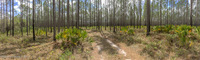
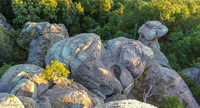
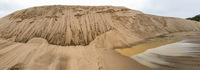
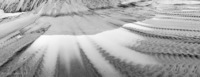
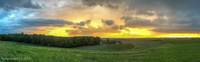
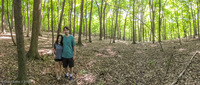
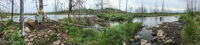
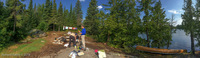
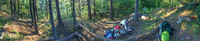
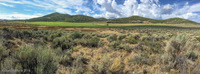
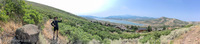
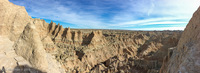
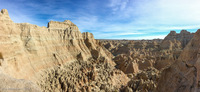
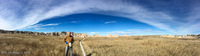
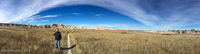
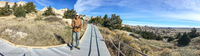
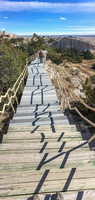
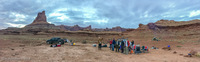
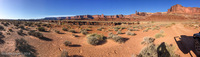
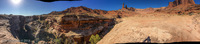
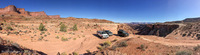
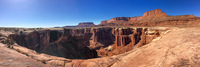
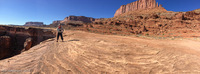
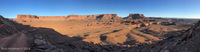
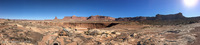
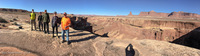
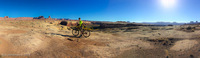
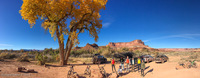
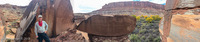
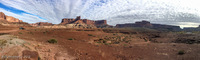
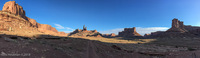
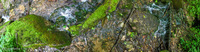
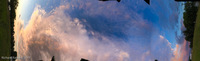
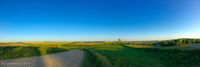
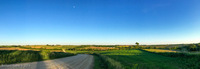
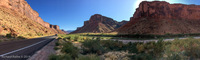
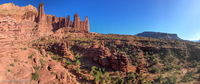
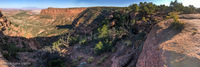
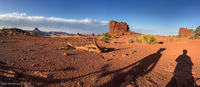
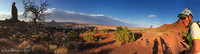
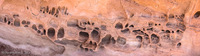
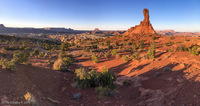
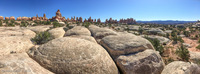
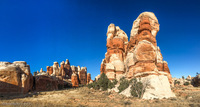
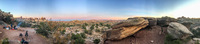
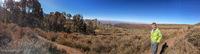
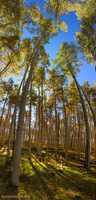
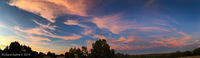
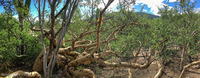
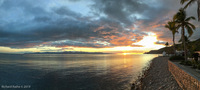
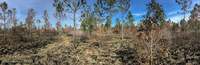
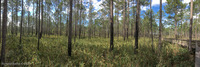
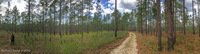
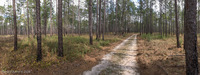
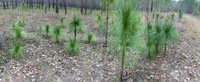
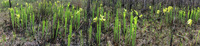
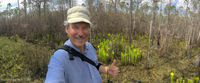
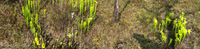
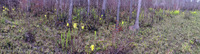
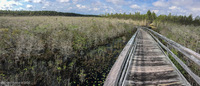
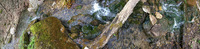
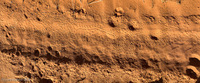
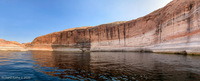
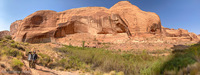
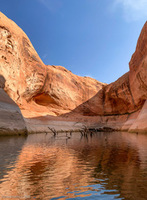
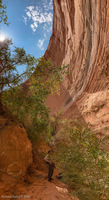
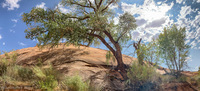
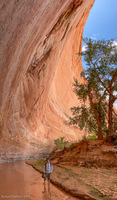
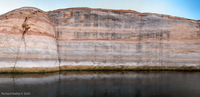
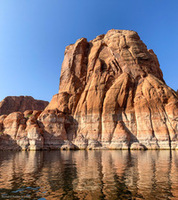
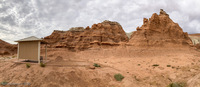
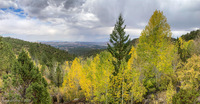
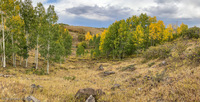
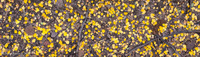
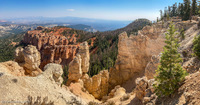
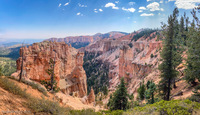
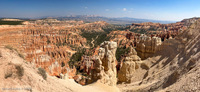
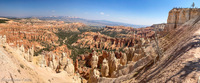
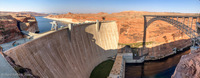
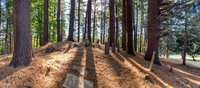
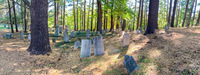
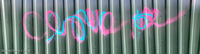
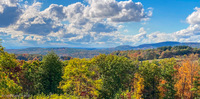
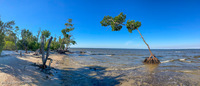
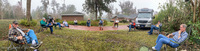
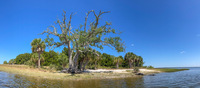
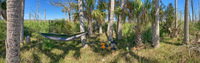
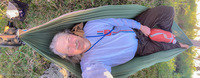
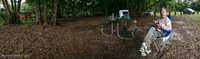
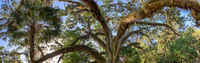
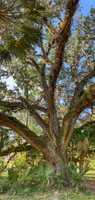
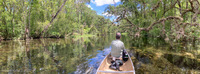
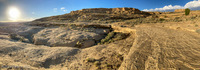
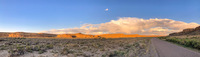
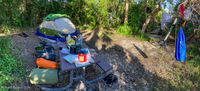
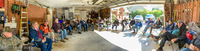
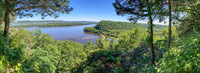
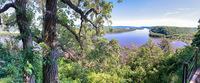
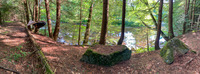
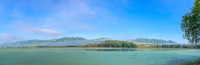
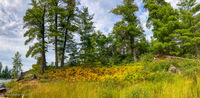
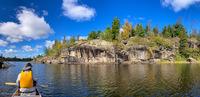
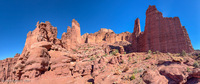
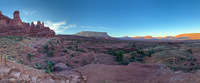
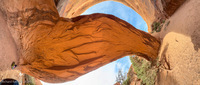
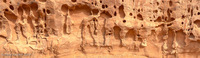
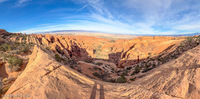
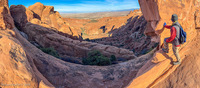
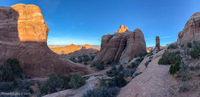
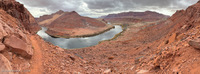
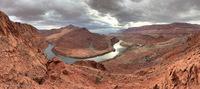
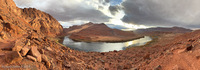
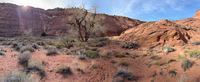
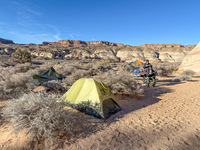
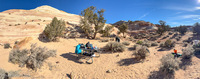
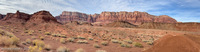
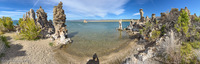
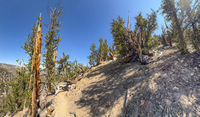
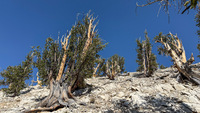
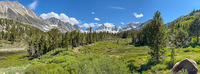
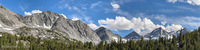
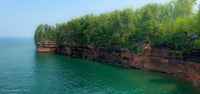
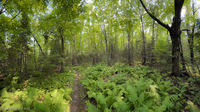
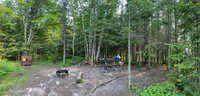
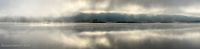
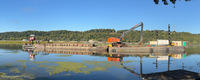
About a year ago [2013] I upgraded the iOS on my iPhone 4s. A few days later I discovered a new option in the Camera App—Panorama Mode! Over the next few months I slowly realized that this was a serious photographic tool. Now I take it along as an important part of my photographic gear. It appears to work like a slit camera, but instead of moving the film, you must move the camera. This has interesting ramifications if some or all of your subject is moving (see my Treatise on Panopainting).
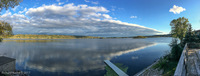
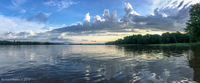
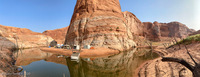
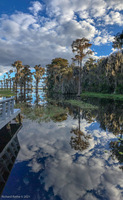
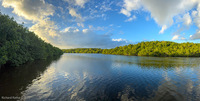
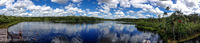
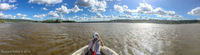
Let’s start with a typical landscape panorama covering about 270°…
sacha_lodge_on_pilchicocha_lake
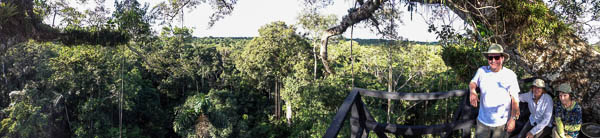
As you can see, it does a great job of capturing the sky and its reflection. But notice how far away everything seems. Unless the sky is the major subject, it is better to place a few objects or people in the foreground…
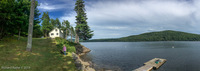
one_hundred_feet_up_in_kapok_tree
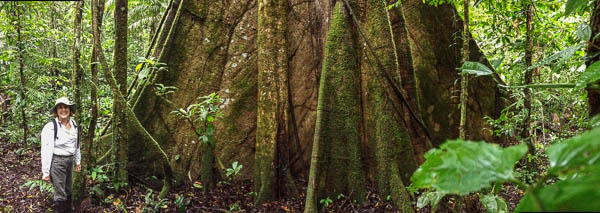
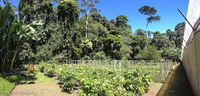
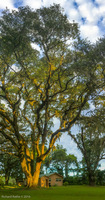
A shorter panorama is also a great alternative to a wide-angle lens for subjects that are large and close. Notice that the photo below appears flat with very little distortion…
base_of_kapok_tree
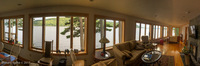
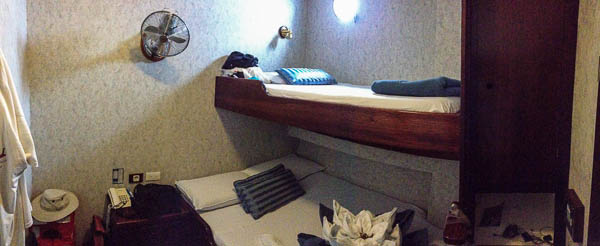
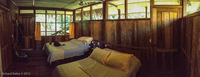
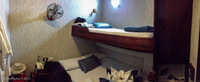
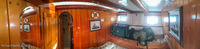
Panoramas are also handy for recording confined spaces, like this 10×10 foot berth on a ship…
narrow-berth
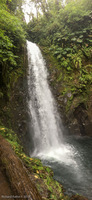
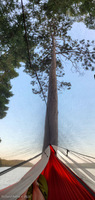
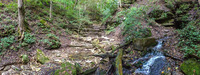
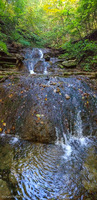
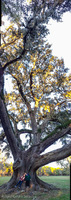
And let’s not forget the vertical dimension!
vertical-panos
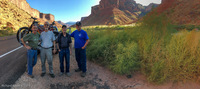
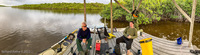
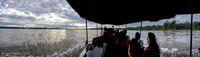
Panoramic portraits are are also possible. Just ask your subjects to stay still until the camera passes them (sorry pooch!). Notice the lack of distortion that would be present if I had used something like 24mm wide-angle lens on a conventional camera…
boat-ride-with-dog
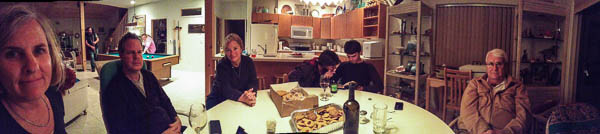
Here’s another shot, this time indoors. I love the mix of poses and presence of this photo. It is very much the way I remember that evening…
family-gathering
An Alternate Technique
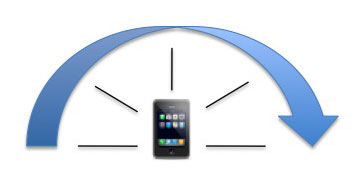
Typically you rotate the camera from left to right and try to keep it level.
type1-panorama
There is another technique however, you can move parallel to your subject to get a flat rollout even in tight spaces.
type2-panorama
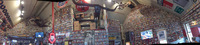
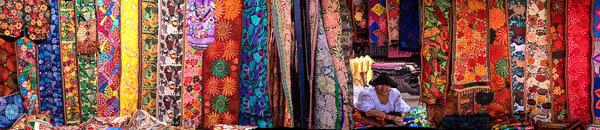
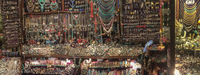
The next example was taken in a crowded market, along an aisle that was no more than six feet wide. I simply held the camera steady and walked twenty feet to the right. I did not even notice the woman peering through the opening until afterward. Notice the colorful hangings are distortion free, while her face is a bit off (she moved)…
ecuador-market
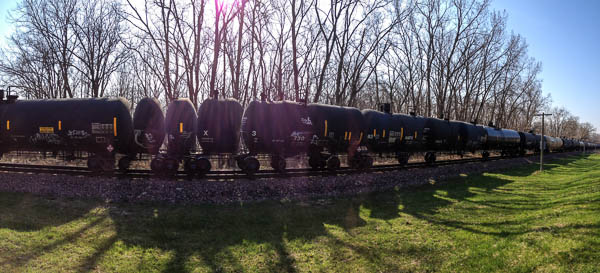
There is even a third possibility, holding the camera stationary and allowing the subject to move across the field of view (slit camera, think photo finish at a horse race). This cannot be done directly because the iPhone must move to activate the shutter. It IS possible to include a moving subject with some interesting results.
freight-train
Note that you cannot take true slit scan photos with the iPhone panorama software. The phone/camera must be moving. You will need a third party app. (There are several available for free!) This example uses the classic technique. I held the camera in a fixed position along a trail and my subject walked in front of it. Note that time flows from left to right, so the subject is inverted.
Slit Scan Example (Mono Lake)
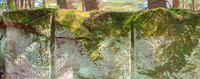
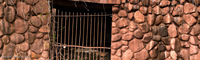
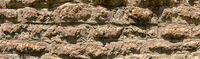
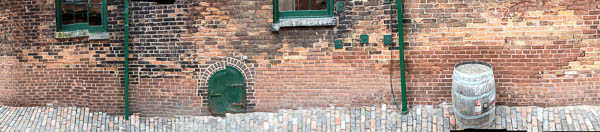
Here’s another flat panorama with some random distortions due to the rough cobblestones I was walking on…
brick-wall
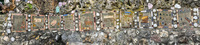
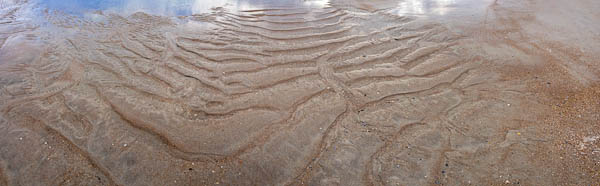
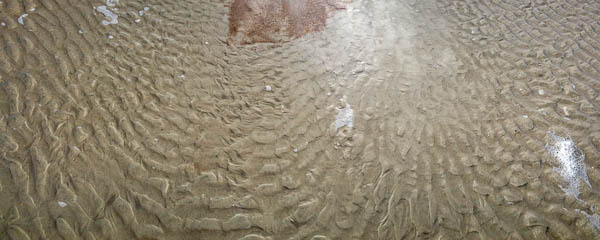
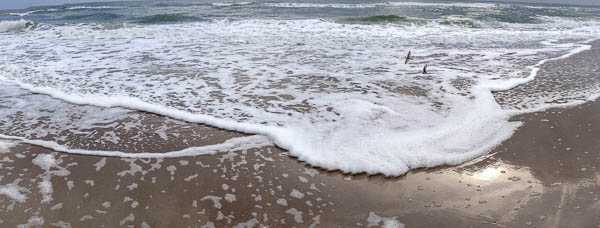
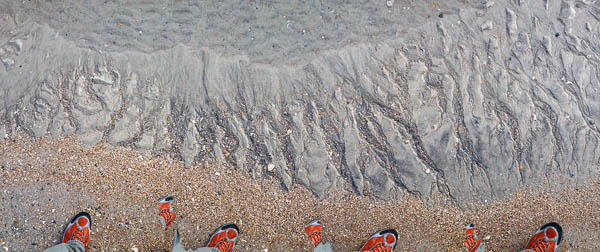
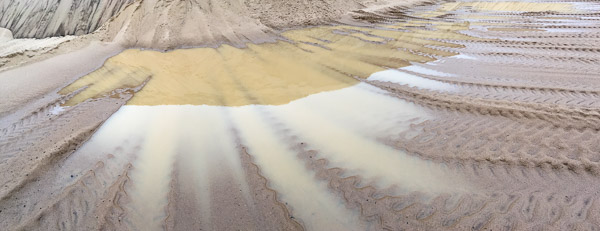
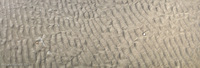
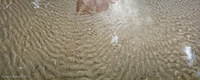
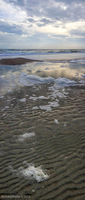
The skips and distortions are unique to each exposure. They depend on how the photographer chose to move and cannot be reproduced. I think this adds to the aesthetics of each shot. Here are a few experiments from a recent visit to the beach…
That beach trip is when I decided these flat panoramas with motion artifacts could be refined into a new aesthetic—photographs captured in real-time with unpredictable, non-deterministic distortions due to movement of the camera and subject. A technique I called Panopainting.
2015 Update
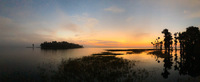
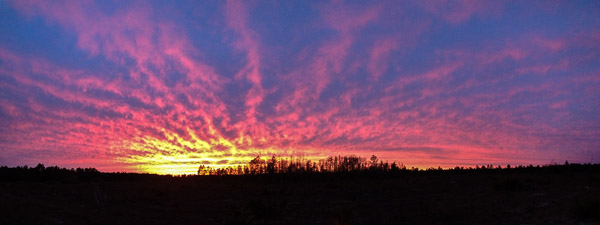
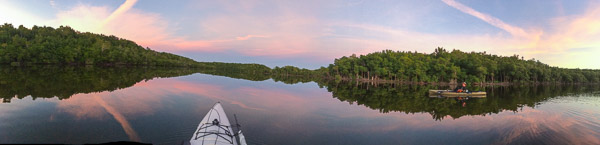
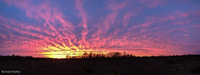
Time has passed and I’ve collected a few more panos. This sunset for example…
sunset-panorama
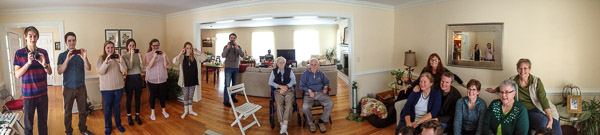
And this family gathering in Iowa for Thanksgiving in 2014. We seem to have a one-to-one ratio of photographers to subjects!
thanksgiving-panorama
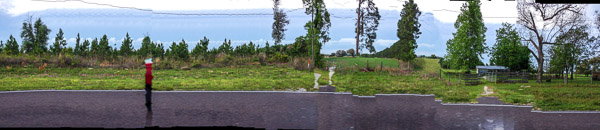
Here’s an experiment at 50mph from a car window…
highway-panorama
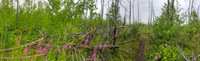
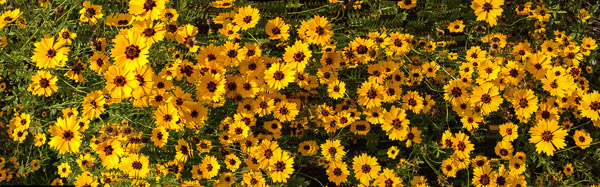
That red stripe is a car passing in the other direction! The various distortions and discontinuities in this and other examples give some insight on how the software attempts to make sense of visual and inertial data. Here is another more subtle example…
flowers-panorama
Notice that the flowers are mostly undistorted while the green foliage behind them has numerous stutters and repetitive patterns. Clearly the algorithm is tuned to high contrast, well defined objects.
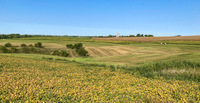
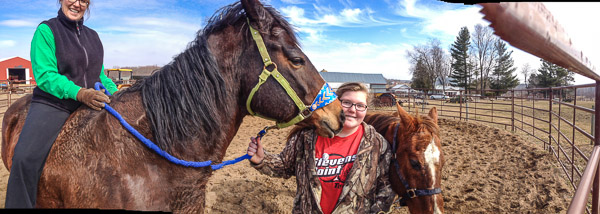
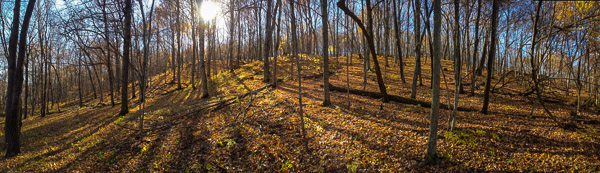
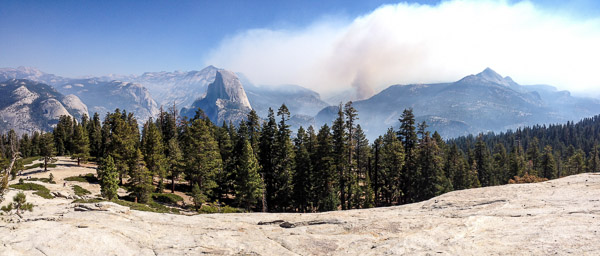
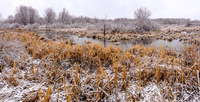
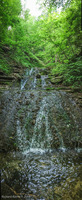
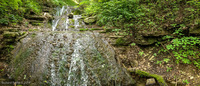
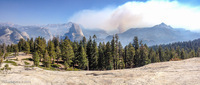
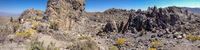
Here are a few more examples to round out this group…
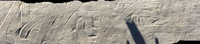
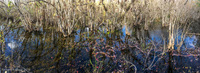
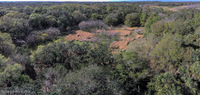
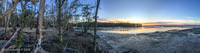
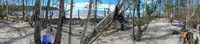
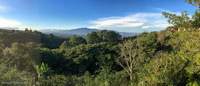
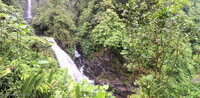
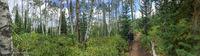
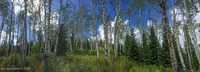
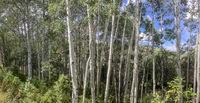
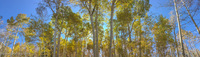
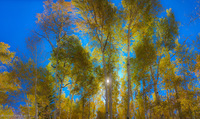
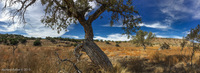
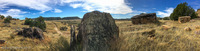
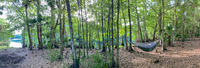
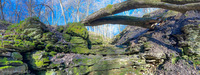
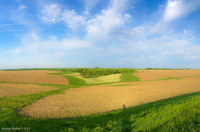
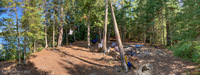
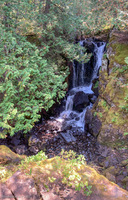
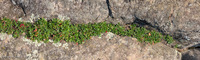
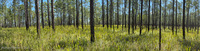
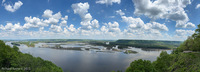
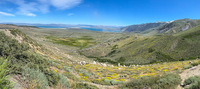
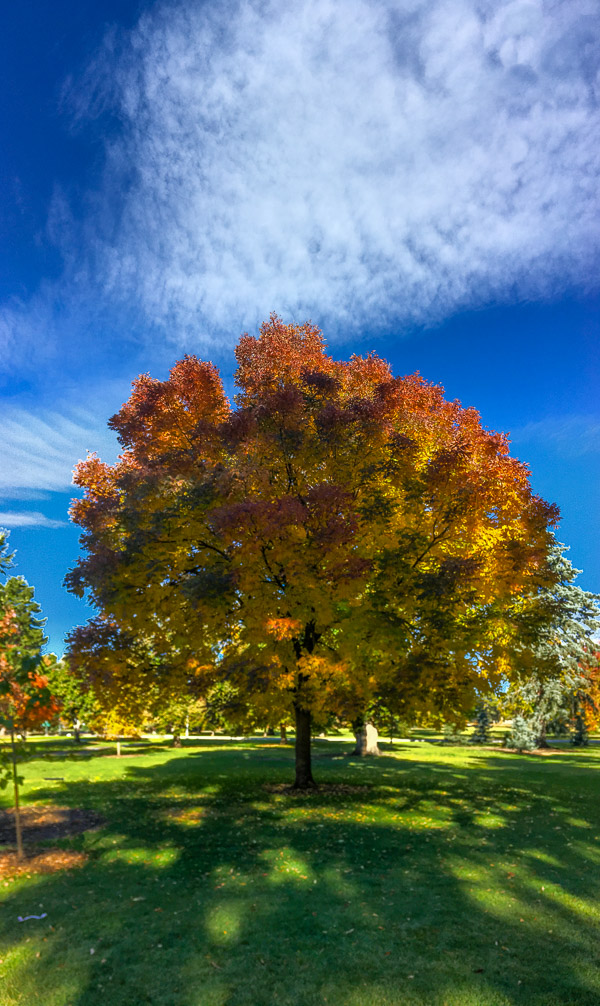
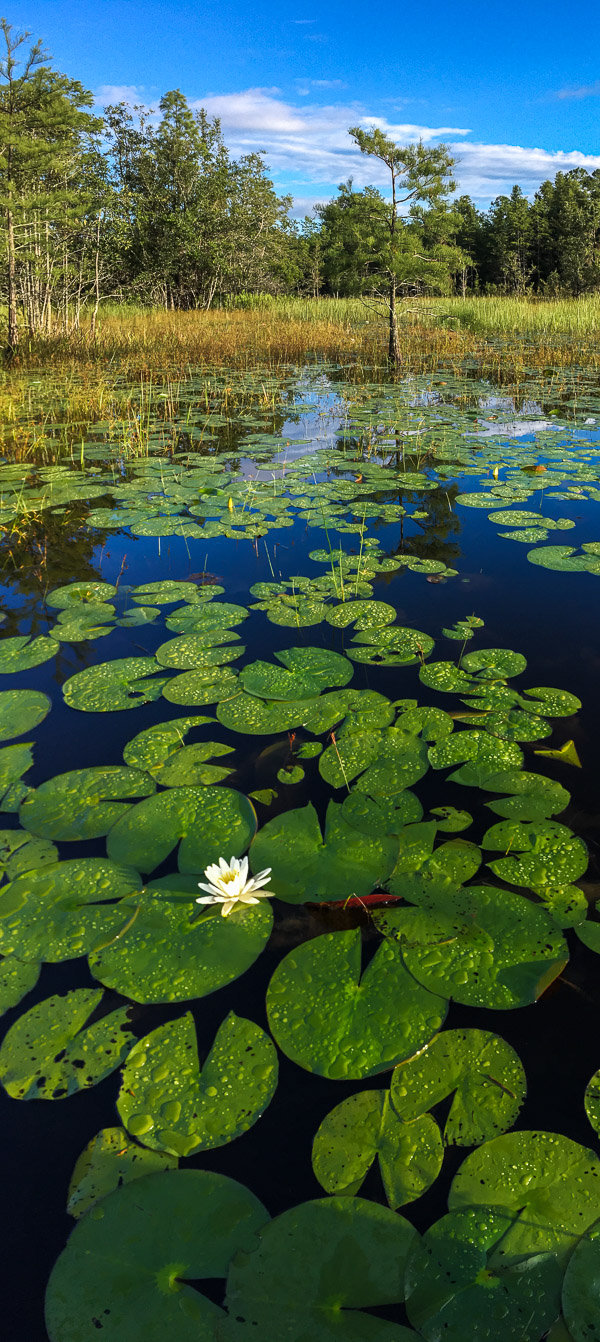
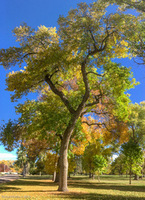
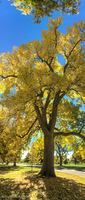
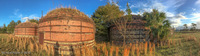
horses-panoramawoods-panoramayosemite-panorama
2016 Update
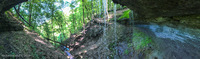
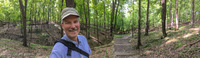
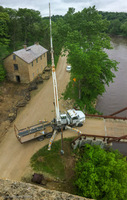
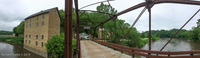
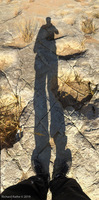
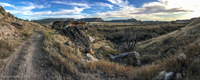
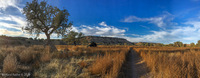
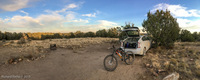
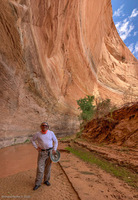
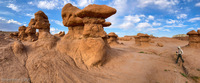
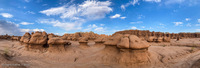
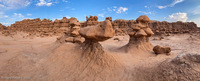
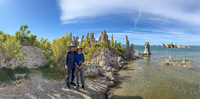
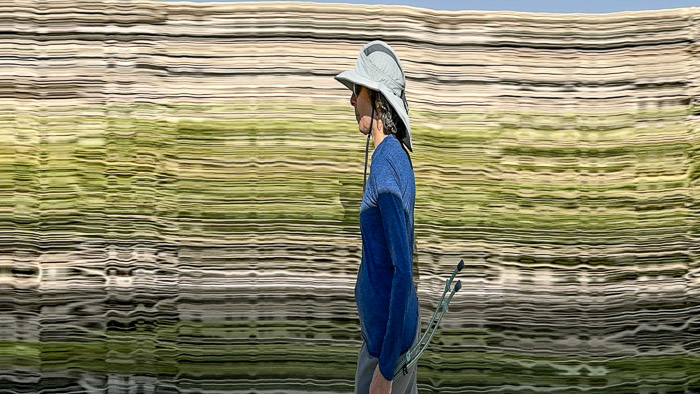
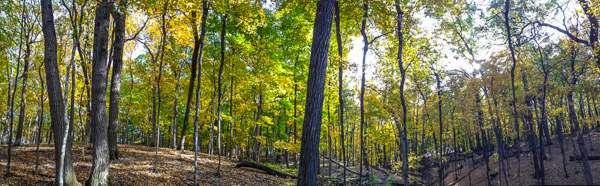
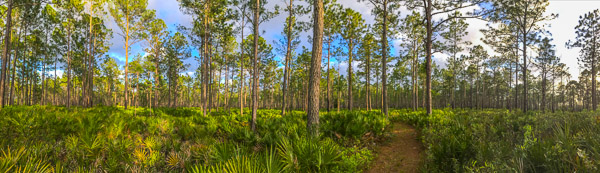
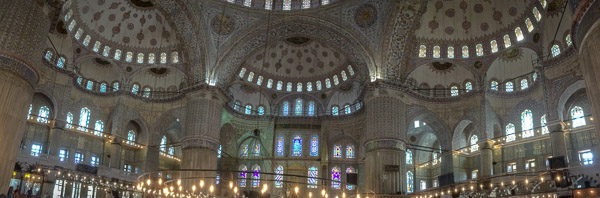
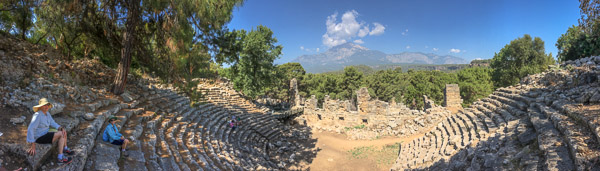
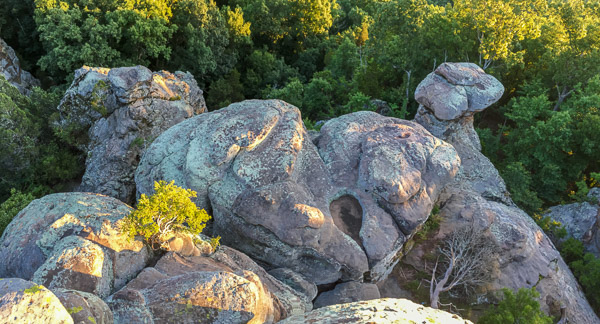
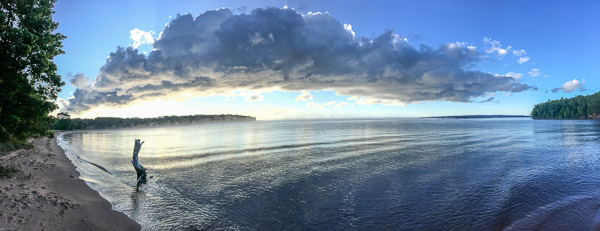
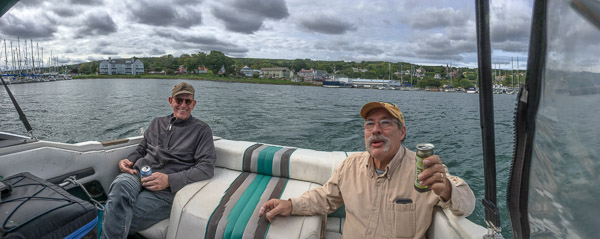
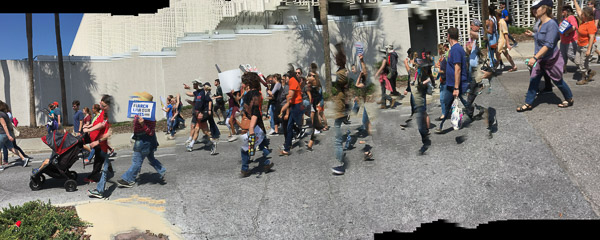
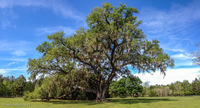
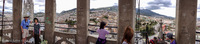
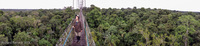
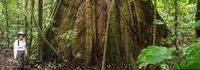
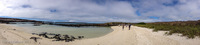
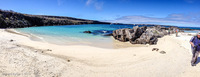
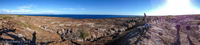
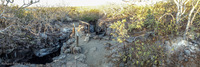
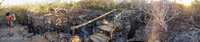
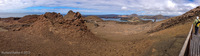
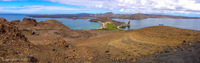
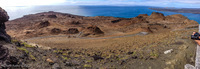
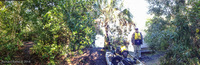
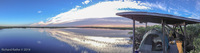
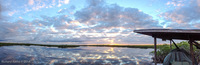
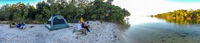
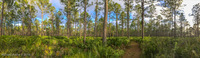
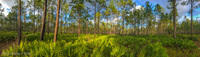
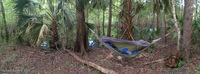
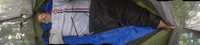
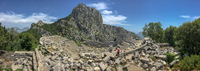
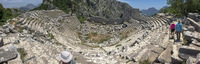
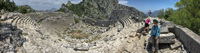
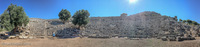
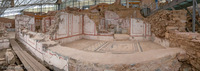
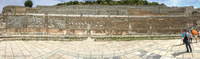
This is my year for panoramic self-portraits. These are all handheld, no sticks, no assistants, just me and my phone. 🙂
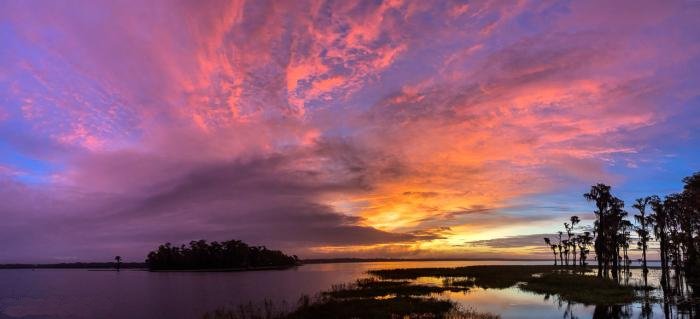
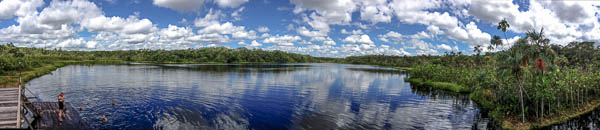
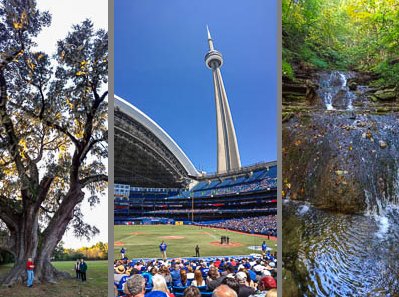


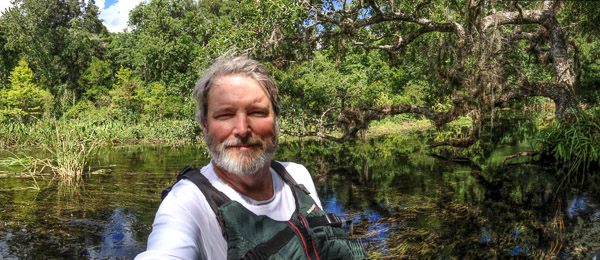
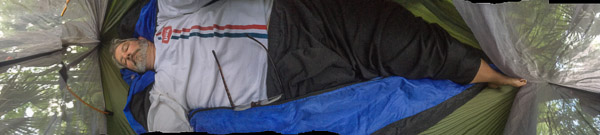

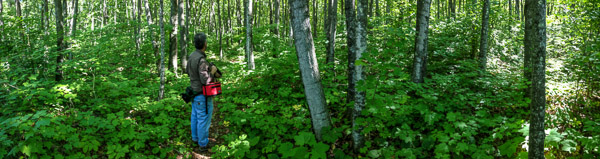


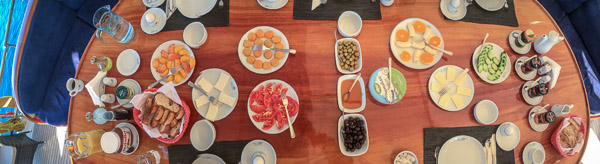
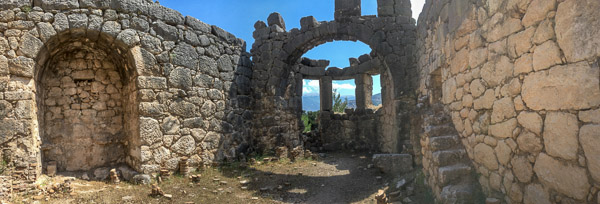
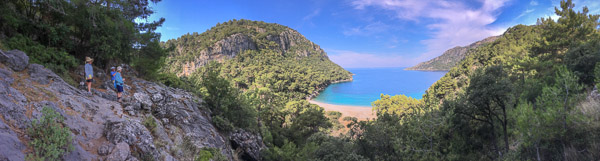
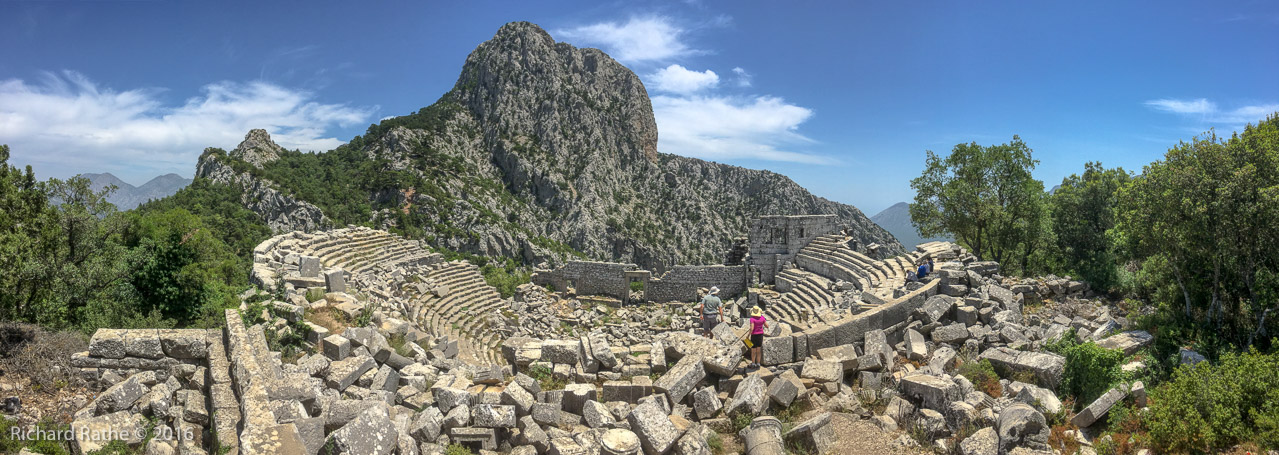

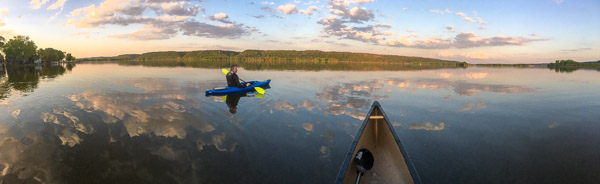
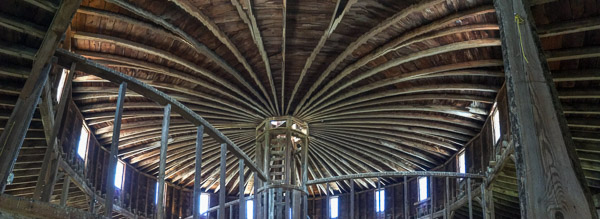
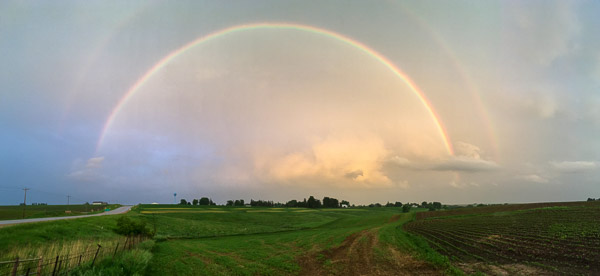
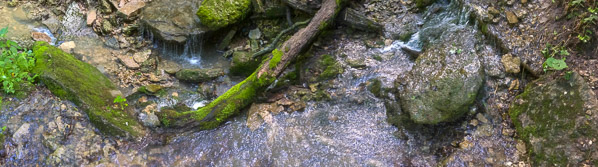








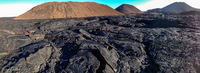
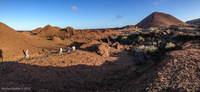
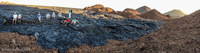


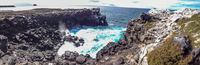
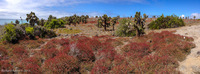

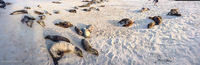

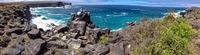

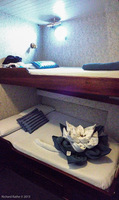







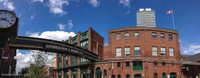




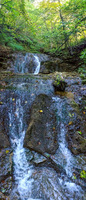



-sm.jpg)



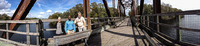

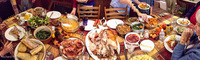
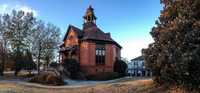
















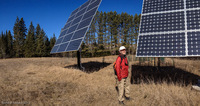

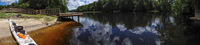

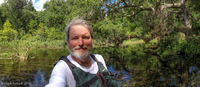



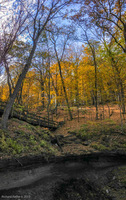
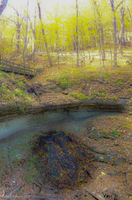
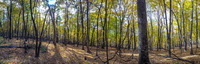


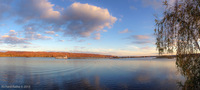
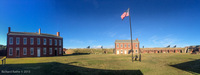

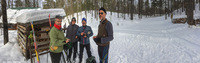




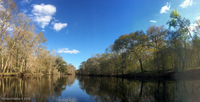













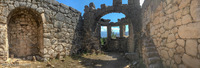

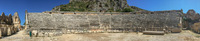


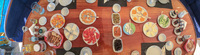



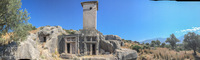



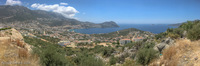
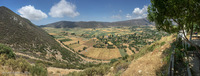

















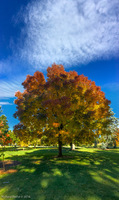
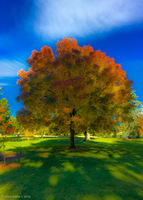



,-panorama-pre-post-kayak-sightseeing-sm.jpg)
,-panorama--sm.jpg)